
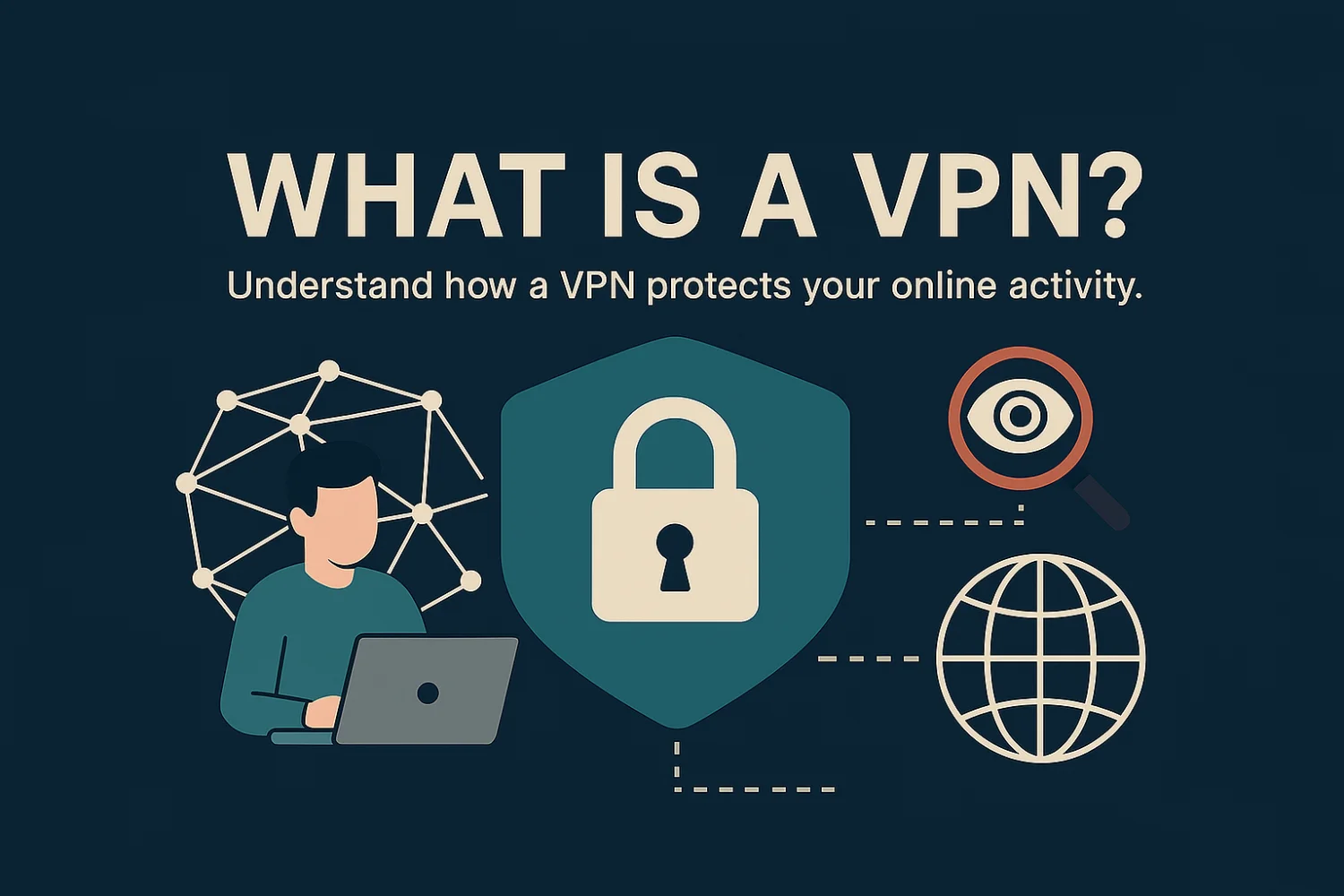
What Is a VPN & How Does It Protect You?
Operating on the modern web without a cryptographic shield exposes your personal data to ISPs, corporate trackers, and malicious actors. A Virtual Private Network (VPN) is a foundational cybersecurity protocol that secures your connections, masks your origin IP, and restores your digital autonomy. Here is the deep-dive on exactly how it works.

By Andreas Lazarou, Lead Security Engineer
Technically Reviewed by the VPNDeals Team • Updated February 2026
In short: A Virtual Private Network (VPN) protects you by routing your internet traffic through a secure, encrypted tunnel and masking your real IP address. This shields your personal data from ISPs, hackers on public Wi-Fi, and corporate trackers while granting you geographic freedom.
Naked Connections vs. Encrypted Routing
To understand the cure, you must understand the vulnerability. When you connect to a standard website, your data packet leaves your device, travels through your local router, gets processed by your Internet Service Provider (ISP), and hits the target server. Every node on that path can see exactly what you are doing.
Without a VPN
Your ISP logs your DNS requests, advertisers map your IP address, and public Wi-Fi sniffers can intercept unencrypted payload data effortlessly.
With a VPN
A cryptographic client on your device encrypts the data before it leaves your hardware. Your ISP only sees a stream of gibberish flowing to a single, secure server node.
The Core Architecture
🔒 The Cryptographic Tunnel
When active, a VPN routes your outgoing internet traffic through an encrypted tunnel. This algorithm transforms your readable data into complex, indecipherable ciphertext using AES-256 encryption. Without the specific decryption key, your data remains entirely secure.
📍 Origin Obfuscation
Every connected device emits an IP address—a public identifier of your physical location. A VPN intercepts this broadcast, replacing your real IP with the IP address of the remote edge-server you connect to. This prevents cross-site tracking seamlessly.
🛑 Network Kill Switch
If your connection to the VPN server drops even for a microsecond, a Network Kill Switch immediately halts all internet traffic on your device. This prevents your naked IP address from accidentally leaking to your ISP.
🔀 Split Tunneling
Advanced users utilize Split Tunneling to route specific applications (like torrent clients) through the encrypted VPN tunnel, while allowing local applications (like banking apps) to access the internet directly.
Algorithmic Tunneling Standards
Not all encrypted tunnels are built the same. Modern VPNs rely on specific protocol engines to balance extreme encryption with multi-gigabit speeds.
⚡ WireGuard®
The modern gold standard. Built on hyper-efficient cryptography, WireGuard consists of just 4,000 lines of code, offering blistering predictive speeds, instant handshakes, and minimal battery drain on mobile devices.
🛡️ OpenVPN
The legacy powerhouse. While slightly heavier and slower than WireGuard, its massive flexibility makes it highly resistant to deep-packet inspection (DPI) firewalls and corporate network blocks.
🚀 Proprietary Tech
Top-tier providers often engineer custom protocols (like Lightway or NordLynx) to optimize specific use cases, combining post-quantum security algorithms with proprietary node-routing networks.
Primary Deployment Benefits
👁️ Enhanced Privacy
A VPN prevents your ISP from logging and selling your browsing history. Elite providers enforce a strict, independently audited No-Logs Policy operating on RAM-only servers, ensuring your data is wiped upon reboot.
🛡️ Zero-Trust Wi-Fi
Unsecured public networks (cafes, airports) are highly vulnerable; a VPN encrypts your connection so bad actors on the same network cannot “packet sniff” your credentials.
🌍 Geographic Freedom
By spoofing your node location, a VPN allows you to dynamically bypass strict geographic restrictions to unlock foreign streaming libraries and global news.
💰 Algorithmic Arbitrage
Changing your IP address allows you to avoid regional price discrimination models, frequently unlocking cheaper local rates for flights, software, and subscriptions.
⚡ Bandwidth Uncapping
ISPs frequently use Deep Packet Inspection (DPI) to artificially throttle your speeds when streaming or gaming. A VPN obscures your traffic type, forcing your provider to maintain maximum algorithmic throughput.
🕸️ Decentralized P2P Shielding
When engaging in peer-to-peer file sharing or blockchain node synchronization, your IP is exposed to the swarm. A VPN masks your hardware signature, ensuring absolute anonymity.
Ready to secure your connection?
Stop letting your ISP and trackers harvest your data. See our top-rated, independently audited VPN providers for 2026.
Free vs. Premium VPNs
Can you just use a free VPN? Technically yes, but if a product is free, you are the product. Here is the operational difference.
| Feature Capability | Free VPNs | Premium VPNs |
|---|---|---|
| Data Caps | Strictly Limited (1-10GB/mo) | Unlimited Bandwidth |
| Privacy Model | Often log and sell user data to advertisers | Strict, audited No-Logs Policies |
| Speed & Servers | Throttled speeds, crowded servers | 10Gbps servers across 100+ countries |
| Streaming Access | Blocked by Netflix & Hulu | Consistently bypasses geo-blocks |
Cryptographic Limitations
At VPNDeals, we don’t sell snake oil. A VPN is a mandatory layer of your security stack, but it is not a silver bullet. It acts as a secure transit vehicle for your data, but it does not dictate what you voluntarily invite into your system.
What a VPN Will Not Fix:
-
Phishing Attacks: If you willingly type your password into a fake login screen, encryption cannot save you. -
Malware & Viruses: A VPN will encrypt the malware you download, but it will not stop you from executing a malicious payload. -
Voluntary Account Tracking: If you log into your Google or Meta accounts while connected to a VPN, those platforms still know exactly who you are.
How to Verify Your Shield is Active
Don’t just trust the green “Connected” button. Here is how cybersecurity professionals verify their tunnel is actually preventing data leaks.
1. The IP Address Check
Before connecting to your VPN, search “What is my IP” on Google and note your location. Connect to a VPN server in a different country, then refresh the page. If the new IP and location show up, your primary origin is successfully obfuscated.
2. The DNS Leak Test
Sometimes your IP is hidden, but your browser still leaks DNS requests to your ISP. Use a free tool like DNSLeakTest.com. If the results show your actual ISP’s name instead of the VPN provider’s servers, your browsing history is still leaking.
3. The WebRTC Vulnerability
WebRTC is a browser feature used for voice and video chats, but it can accidentally expose your real IP address even when a VPN is active. Ensure your chosen VPN has built-in WebRTC leak protection or disable it directly in your browser settings.
Global Telemetry & Adoption
Of global internet users aged 16+ actively utilize a VPN protocol.
People worldwide rely on VPNs for secure daily browsing.
Use VPNs specifically to defend against public Wi-Fi interception.
Adoption rate in the UAE, the highest recorded globally.
Frequently Asked Questions
Is it illegal to use a VPN?
In the vast majority of countries (including the US, UK, Canada, and most of Europe), using a VPN is 100% legal. They are standard cybersecurity tools. However, a small handful of authoritarian governments strictly regulate or ban their use.
Can I be tracked if I use a VPN?
A high-quality VPN makes it incredibly difficult for ISPs and hackers to track your IP address or intercept your traffic. However, you can still be tracked through voluntary logins (like signing into Facebook) or via tracking cookies stored in your browser.
Should I leave my VPN on all the time?
Yes. Cybersecurity experts recommend leaving your VPN connected continuously on all your devices. Modern VPN protocols like WireGuard consume very little battery and bandwidth, ensuring you are protected 24/7, especially when your phone auto-connects to public Wi-Fi networks.

About the Author
Andreas Lazarou is the Lead Security Engineer at VPNDeals. With over a decade of experience in cryptographic protocols and network architecture, he specializes in identifying vulnerabilities in routing infrastructure, testing zero-log environments, and auditing enterprise firewall deployments.
Reclaim Your Digital Autonomy
Browsing without a VPN leaves your sensitive data fully exposed. By deploying a Virtual Private Network, you can instantly encrypt your data streams, mask your identity, and reclaim boundless online freedom.